Email marketing continues to be one of the most reliable digital channels for engaging audiences, nurturing prospects, and accelerating revenue growth. But when businesses handle email campaigns, CRM data, segmentation, and automation across multiple tools, marketing often becomes fragmented and inefficient.
Odoo marketing solution solves this problem by bringing all these activities into a single, connected ecosystem where CRM, Contacts, Marketing Automation, Website, and Sales work together in real time.
With the release of Odoo 19, the Email Marketing and Marketing Automation apps are faster, more intuitive, and better aligned with customer journey management.
This guide simplifies how to create email campaigns, automate workflows, nurture leads, and measure results using the latest Odoo enhancements.
What Is Odoo Email Marketing & Why It Matters
Most email platforms operate as standalone tools. This leads to:
- exporting/importing contacts
- syncing CRM data manually
- relying on API connectors
- managing multiple dashboards
Odoo eliminates this friction.
With Odoo Email Marketing, you can design, personalize, schedule, send, and track campaigns, while every interaction automatically syncs with CRM and Sales. No integrations. No delayed updates. No duplicate systems.
Because all customer information lives in a unified database, both marketing and sales teams get a clear, shared view of the customer journey.
Why Odoo Email Marketing Stands Out
Here’s what makes Odoo’s email suite powerful and practical:
- Drag-and-drop email builder with ready-to-use blocks
- Dynamic personalization using CRM and contact fields
- Automatic bounce, blacklist & unsubscribe handling
- Real-time tracking for opens, clicks, and delivery status
- Smart audience segmentation linked to CRM, Website, and Sales
- Native integrations across Email Marketing, CRM, Sales, Events, Website
- Open-source flexibility for custom workflows and advanced use cases
Together, these features drastically simplify planning and executing campaigns.
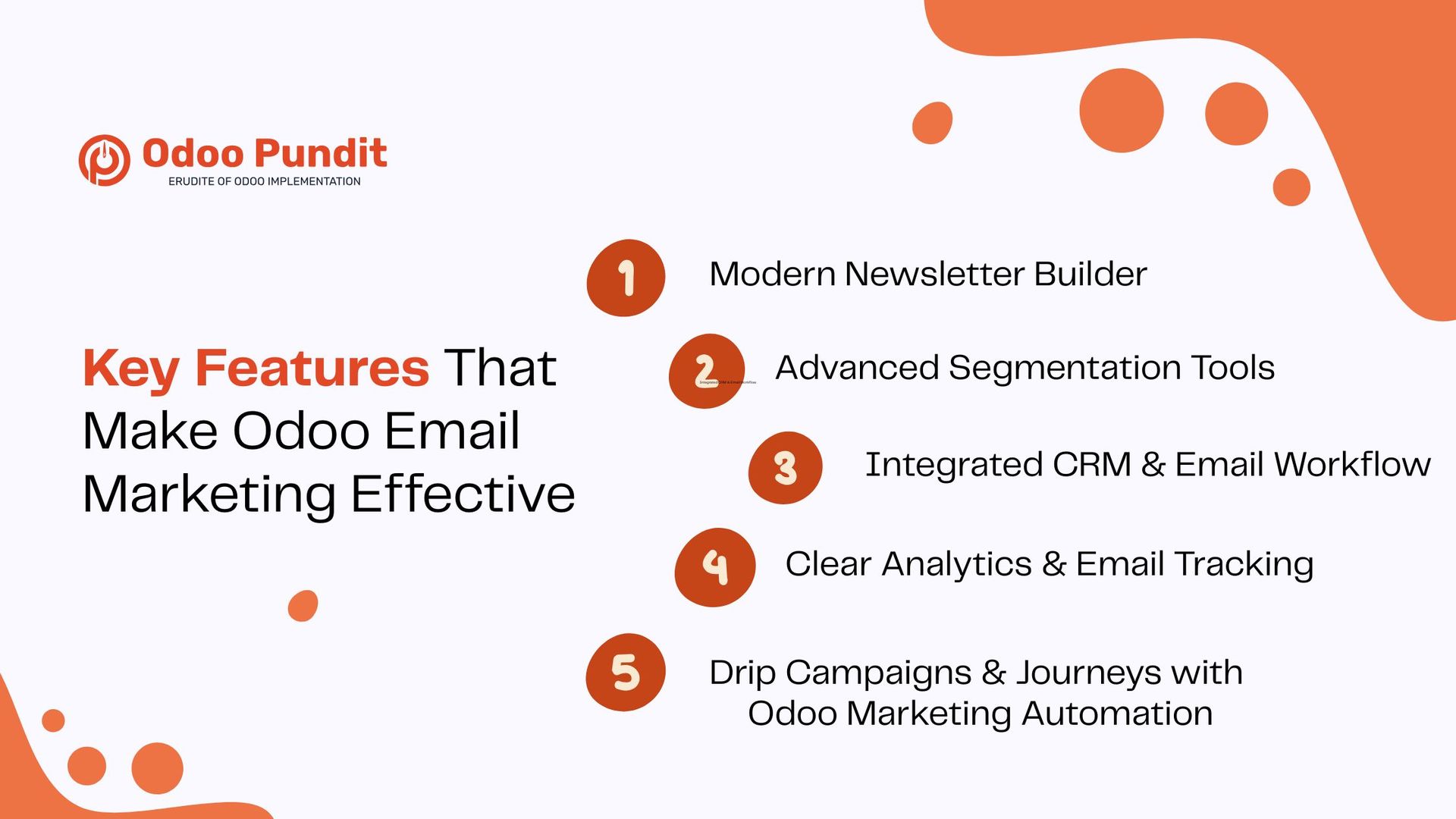
Key Features That Make Odoo Email Marketing Effective
1. Modern Newsletter Builder
Odoo’s visual editor provides a clean, drag-and-drop experience with predefined blocks such as:
- banners & hero images
- text + image combinations
- call-to-action buttons
- product listings (pulled from the Sales or eCommerce modules)
- content sections
- highlight boxes
- promotional offers or coupon blocks
Personalization is effortless, insert fields like:
- customer name
- company name
- salesperson information
- last order details
- last interaction date
This allows your emails to feel tailored and relevant.
2. Advanced Segmentation Tools
Odoo’s segmentation engine allows precise targeting based on:
- CRM pipeline stages
- tags and categorizations
- purchase history and order frequency
- audience behavior (opens, clicks, visits)
- website activities (via visitor tracking)
- event attendance
- demographics or geography
- contact type (lead, opportunity, customer)
Dynamic segments update automatically, ensuring your lists stay accurate as your CRM evolves.
3. Integrated CRM & Email Workflow
Because Email Marketing and CRM run on a single database:
- all email interactions appear in the CRM chatter
- sales reps instantly see who opened or clicked a message
- follow-ups become more informed
- nurturing campaigns adapt to CRM changes
- pipeline movement can trigger marketing actions
This creates a seamless bridge between marketing and sales, without syncing tools like Mailchimp or HubSpot.
4. Clear Analytics & Email Tracking
Odoo provides comprehensive tracking for:
- open rates
- click-through rates
- bounces and delivery failures
- unsubscribe activity
- link-level performance
- engagement trends
While Odoo does not offer heatmaps, its link-click maps give visibility into what content performs best.
5. Drip Campaigns & Journeys with Odoo Marketing Automation
Odoo’s Marketing Automation app is a major strength, enabling:
Drip email flows
For:
- welcome sequences
- onboarding series
- educational content
- loyalty programs
- re-engagement campaigns
Trigger-based automated actions
Based on events such as:
- new lead creation
- form submission
- newsletter subscription
- quote request
- event registration
- cart abandonment (with Website + eCommerce enabled)
CRM-driven sequences
Automation can react to:
- stage changes
- inactivity
- probability updates
- new salesperson assignment
Behavioral triggers
Personalized automation activates when contacts:
- open specific emails
- click key links
- show inactivity
- visit certain website pages
- view product pages
This allows marketers to build meaningful, high-impact journeys without manually supervising each step.
How to Create Email Campaigns in Odoo (Step-by-Step Guide)
Step 1: Open the Email Marketing Dashboard
From here, you can access:
- campaigns
- templates
- mailing lists
- statistics
- scheduled mailings
The interface is designed to give a clear overview of all activities.
Step 2: Create a New Campaign
Click Create, then enter a campaign name such as:
- Welcome Series for New Leads
- Seasonal Sale Announcement
- Product Launch Update
Organized campaign naming improves collaboration.
Step 3: Select Your Recipients
In Odoo, you can target:
- mailing lists
- dynamically filtered segments
- manual selections
Examples of useful segments:
- new customers
- high-value buyers
- dormant leads
- newsletter subscribers
- warm prospects based on CRM activity
- region-specific audiences
Segmentation is one of Odoo’s strongest features due to real-time data syncing.
Step 4: Design Your Email
Use Odoo’s builder to insert:
- banners
- text blocks
- product grids
- CTA buttons
- highlight sections
- event blocks
- social icons
All templates are fully responsive, ensuring consistent viewing on mobile devices.
Step 5: Write Compelling Content
To make your email resonate:
- keep paragraphs short
- use a conversational tone
- highlight benefits, not just features
- incorporate personalization fields
- include a clear, action-focused CTA
Better copy = better engagement.
Step 6: Send or Schedule
You can:
- send immediately
- schedule for a specific date/time
- send test emails
- run A/B subject line or content tests
A/B testing helps improve performance over time.
Automating Campaigns with Odoo (Marketing Automation)
1. Drip Sequences
Ideal for:
- onboarding
- lead nurturing
- post-purchase education
- VIP customer flows
- renewal reminders
Each step allows delays, conditions, and CRM updates.
2. Trigger-Based Emails
Although Odoo doesn’t explicitly call them “autoresponders,” the Marketing Automation app supports triggers such as:
- new contact created
- form submitted
- product purchased
- registration completed
This ensures instant, contextual communication.
3. CRM-Driven Lead Nurturing
Your automation can adjust when:
- a lead moves stages
- a quotation is created
- a salesperson is assigned
- the probability changes
This maintains consistent follow-up without manual work.
4. Behavioral Triggers
Behavior-based automation is available for:
- email opens
- link clicks
- website page visits
- interest in product pages
- inactivity for X days
This enables deeper personalization and stronger customer journeys.
Tracking & Analyzing Email Campaign Performance
Key KPIs to Monitor
Odoo highlights essential metrics:
- open rate
- CTR (click-through rate)
- bounce rate
- delivery performance
- unsubscribe rate
- link popularity
These KPIs help refine strategy and improve engagement.
Understanding Campaign Reports
Reports display:
- best-performing emails
- engagement over time
- device usage insights
- segmentation effectiveness
- detailed message-level interactions
Businesses often enhance dashboards using Studio or custom reporting for deeper analytics.
Email Marketing + CRM: A Powerful Combination
1. CRM Activity Logging
Every email interaction is logged in CRM:
- opens
- clicks
- delivery status
- replies
- bounces
This gives sales teams rich context before engaging leads.
2. CRM-Driven Automation
Workflows activate when:
- a new lead enters the pipeline
- a deal moves stages
- a quote is sent
- a subscription renewal is approaching
This improves response time and ensures structured nurturing.
3. Lead Nurturing Made Easy
Together, CRM and Email Marketing allow businesses to:
- send targeted offers
- run educational drip sequences
- warm up cold leads
- activate dormant prospects
- onboard new customers
This supports the entire lifecycle—from first contact to repeat purchase.
Odoo Email Marketing vs. Other Email Tools
Unlike standalone tools, Odoo delivers:
- one database, no syncing
- CRM + Email + Automation in one place
- multi-channel communication (Email, SMS, WhatsApp via modules)
- real-time, unified reporting
- lower overall operational cost
- open-source adaptability
This makes Odoo a scalable, future-ready choice for businesses of all sizes.
Best Practices for Successful Odoo Email Marketing
- use clear, value-driven subject lines
- personalize whenever possible
- design clean, mobile-first layouts
- A/B test regularly
- maintain high-quality contact lists
- refine campaigns based on KPIs
- stay consistent across all communications
For complex workflows, adding support through Odoo implementation or consulting can help scale faster.
Conclusion: A Smarter, Unified Way to Run Email Marketing
When your CRM, Email Marketing, Website, and Automation operate together, you eliminate the friction of managing multiple tools—and create a smoother experience for both customers and teams.
Odoo email marketing provides everything a business needs to build engaging newsletters, automate customer journeys, track interactions, and support long-term lead nurturing. With its modern interface, integrated CRM, and flexible automation engine, it delivers a full digital marketing suite built for efficiency and scale.
Businesses aiming for long-term growth can further enhance their setup with expert Odoo customization services to tailor workflows, dashboards, and automation to their unique needs.
Are you ready to streamline your email campaigns?
Let’s take the next step with Odoo Email Marketing.
FAQs
Yes, using mailing lists or segmented recipient groups.
Yes. The Marketing Automation app enables advanced workflows and drip sequences.
Absolutely. Odoo provides built-in tracking and detailed link-level reporting.
Yes. Its connected ecosystem works well for both small teams and growing enterprises.
No. Odoo’s builder is drag-and-drop and user-friendly.